 Lantern
key
Non-custodial
Your private keys are encrypted on-device and never leave it. No accounts, no custodians — just you.
Lantern is a Stellar wallet — on Chrome and Android — that screens every transaction before you sign (on testnet, against an on-chain scam registry too), and has an AI tell you in plain language what it does. So scams never make it past the glow.
science Public Beta — Chrome extension & Android APK, ready in about a minute.
workspace_premium Supported by a Stellar Development Foundation Instawards grant — Philippines chapter. See the evidence
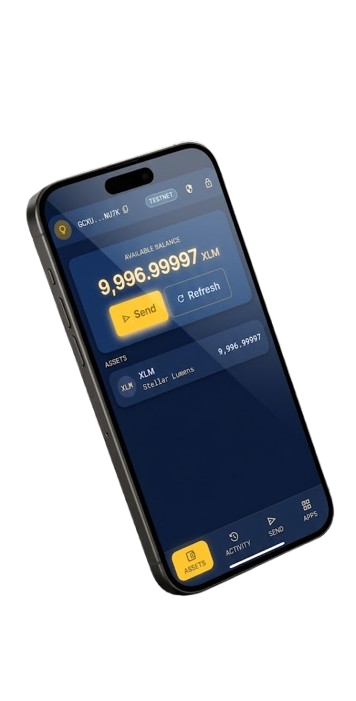
Everything a Stellar wallet should do — send, swap, earn, and cash out — plus a safety net between you and every signature. The risk verdict is rules and a public registry you can check; the AI explains it in words.
Your private keys are encrypted on-device and never leave it. No accounts, no custodians — just you.
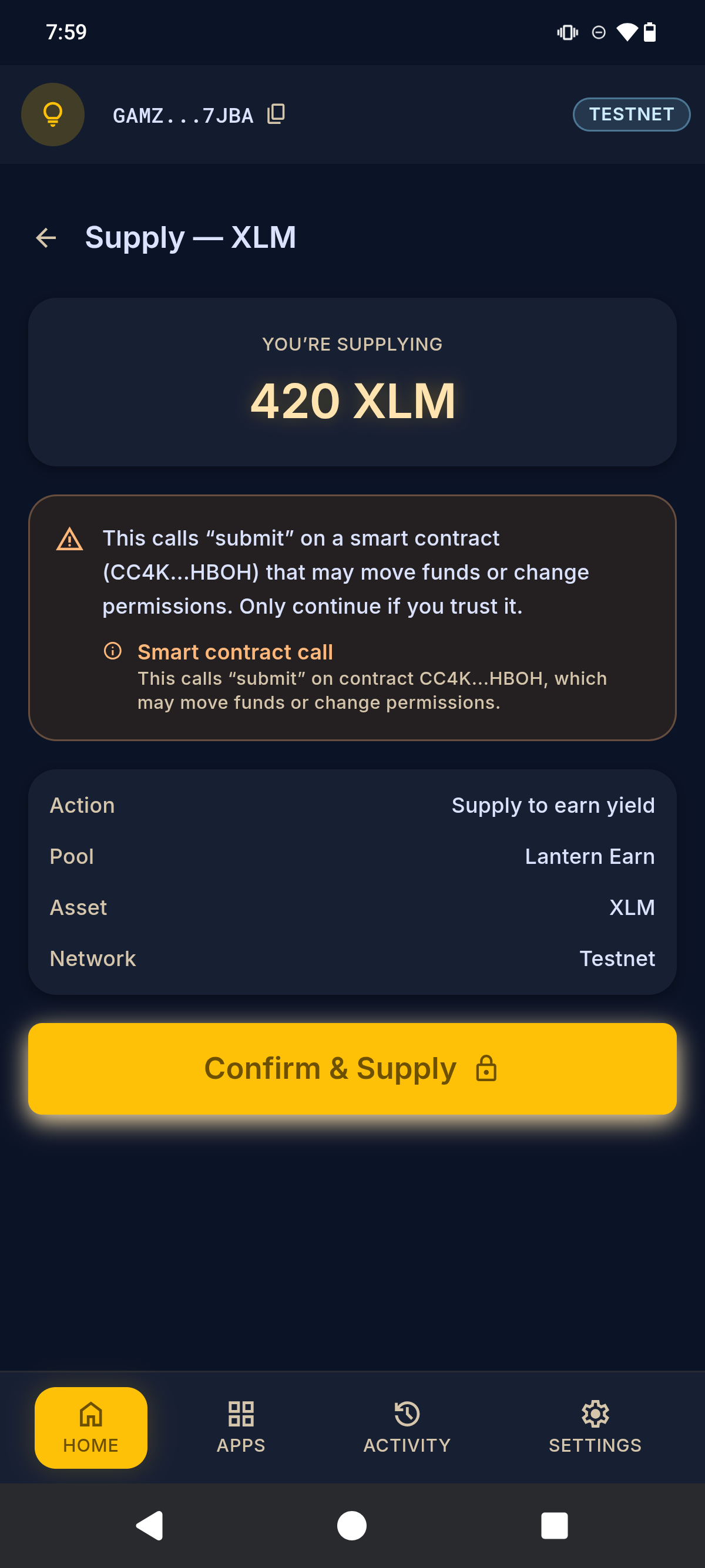
Payments, trustlines, contract calls — each one is decoded, explained in plain language, and gated when it's high-risk.
On testnet, every review checks the counterparty against Lantern's on-chain blacklist registry, and one tap reports a scammer to it — so the next wallet is warned too. It's a live Soroban contract anyone can inspect:
CBJWD6SA…G623F
on testnet, WASM hash 40fd3771…5be23783.
The engine behind every review is @lantern/scanner — MIT-licensed and standalone, so any Stellar wallet, dApp or CLI can decode, explain and screen a transaction before it's signed.
Right before a transaction is submitted, Lantern simulates and screens it once more — so a counterparty reported while you were reviewing still stops you.
Lose your seed, keep your funds. Appoint guardians and recover onto a new device with Stellar-native multisig — no 12 words to lose.
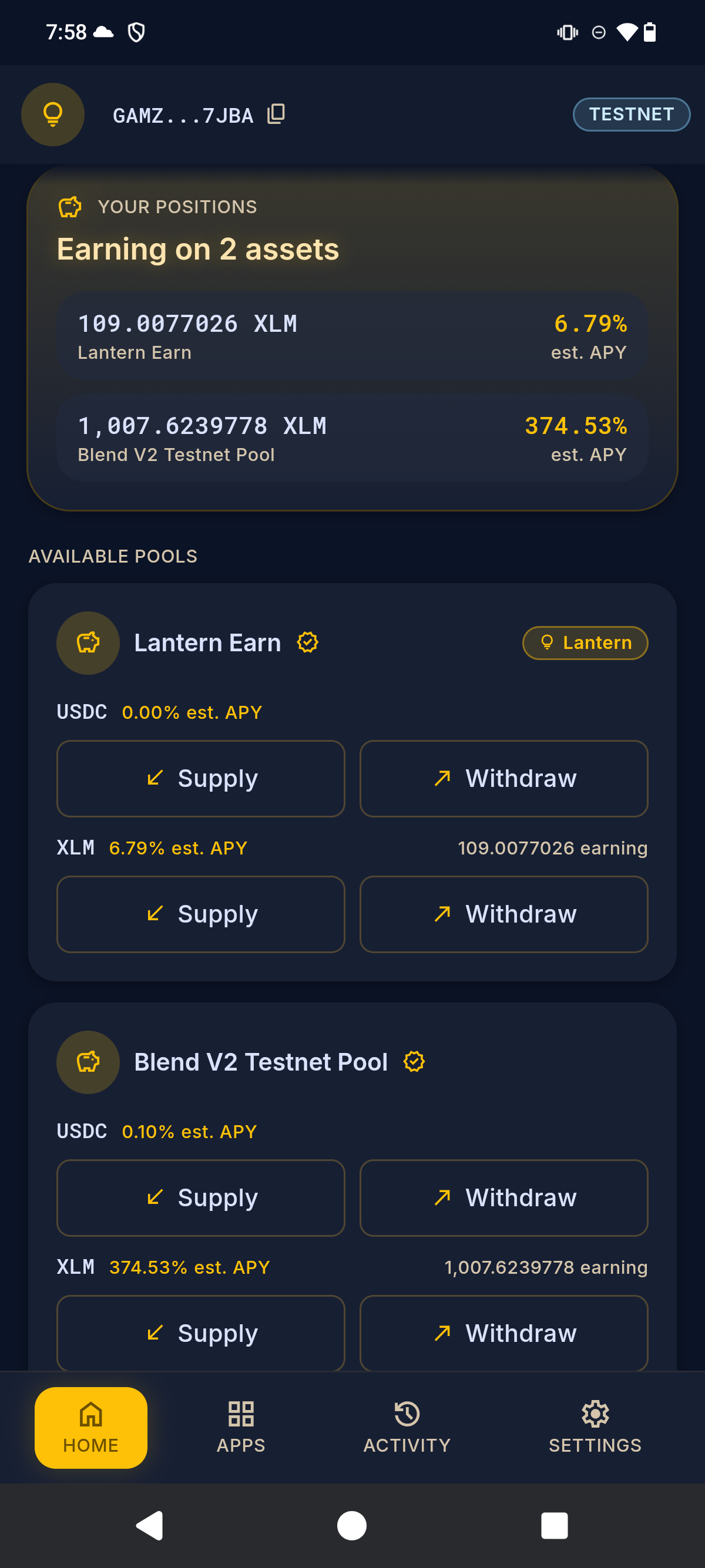
Supply assets to Blend lending pools — including our own Lantern Earn pool — and earn yield. Withdraw anytime.
Move between crypto and your bank or card through regulated SEP-24 anchors, right inside the wallet.
Swap XLM and assets at the best price across Stellar's decentralized exchange — without leaving Lantern.
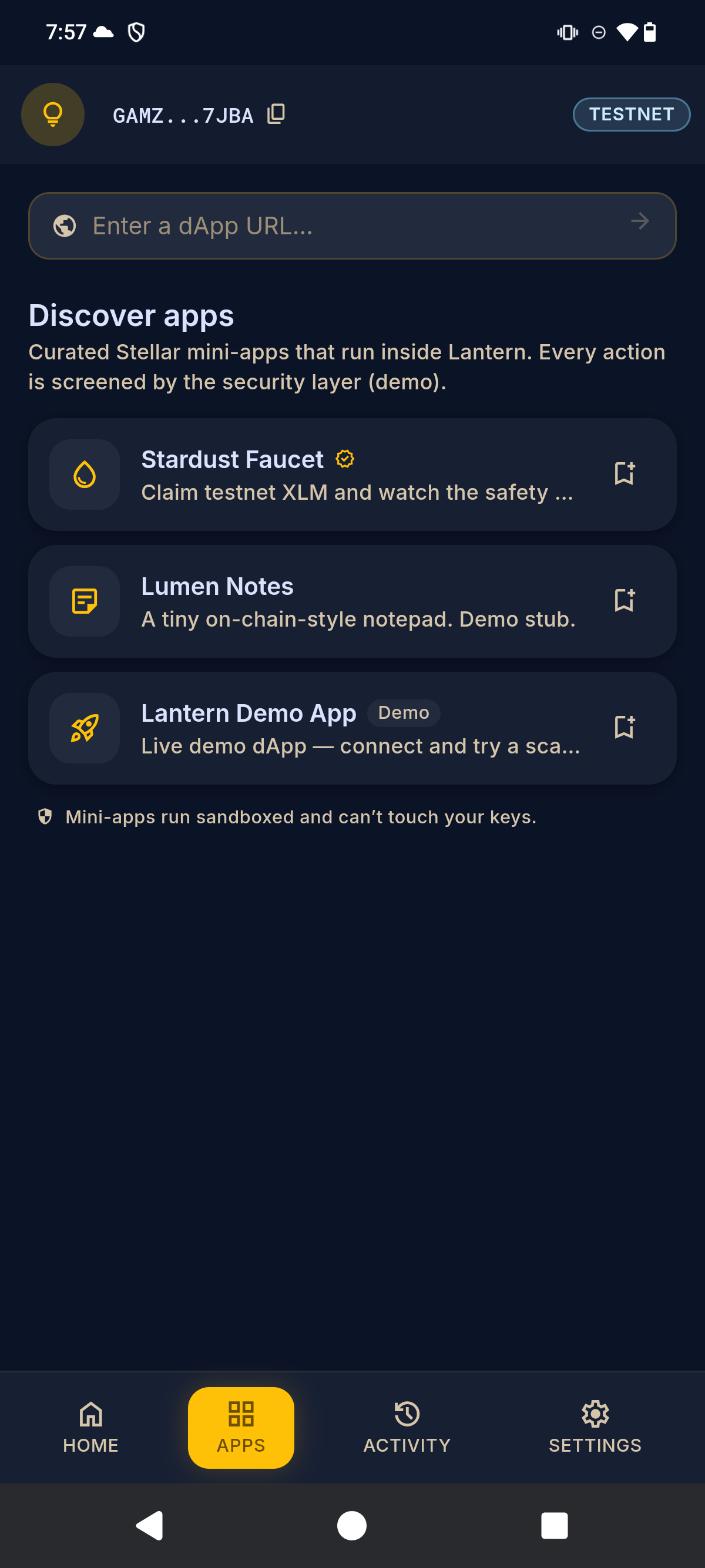
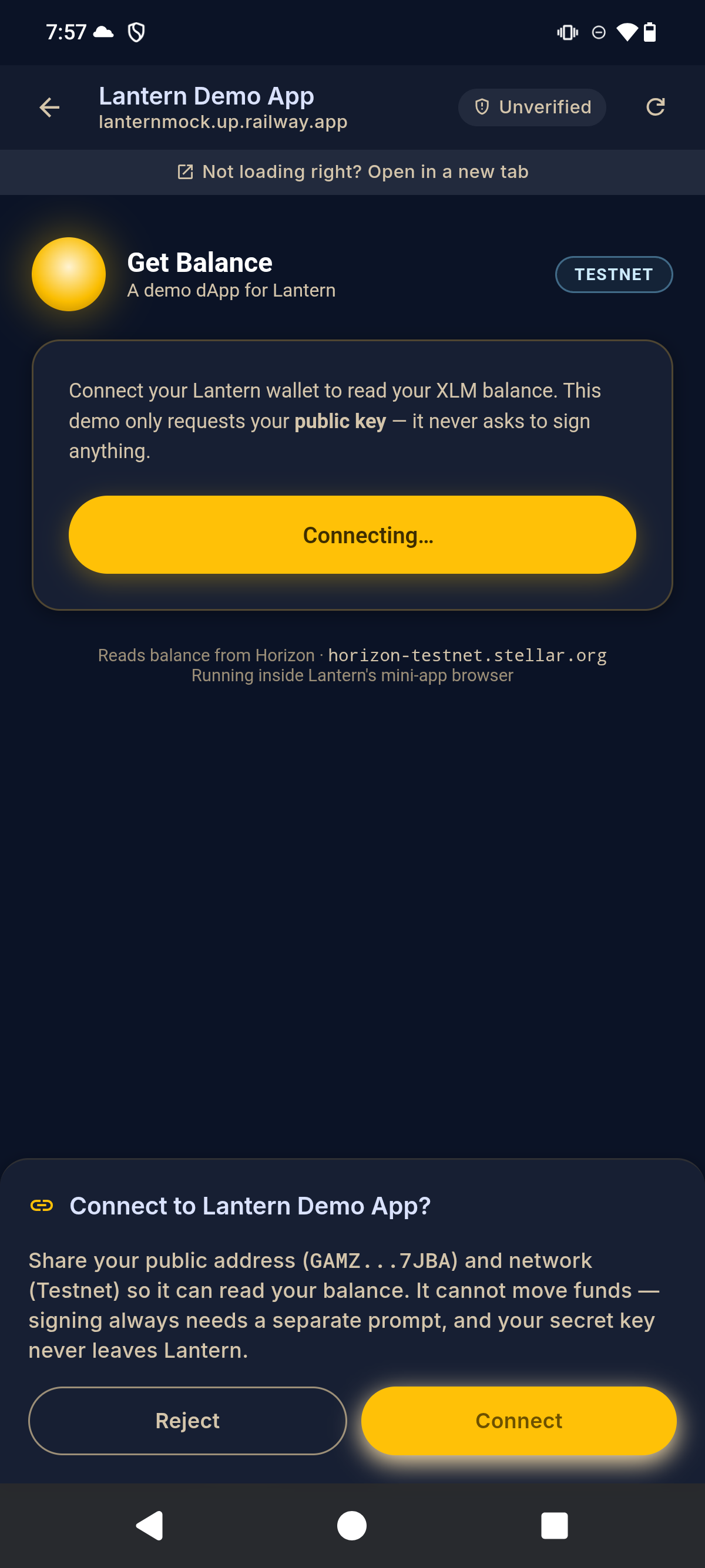
Explore Stellar dApps in a sandboxed frame. Connecting shares only your public key — signing always needs a separate prompt.
Drop in a suspicious address or message and Lantern flags scam patterns instantly, on-device.
One wallet, two homes: a Chrome/Edge extension and an Android app, built from a single codebase.

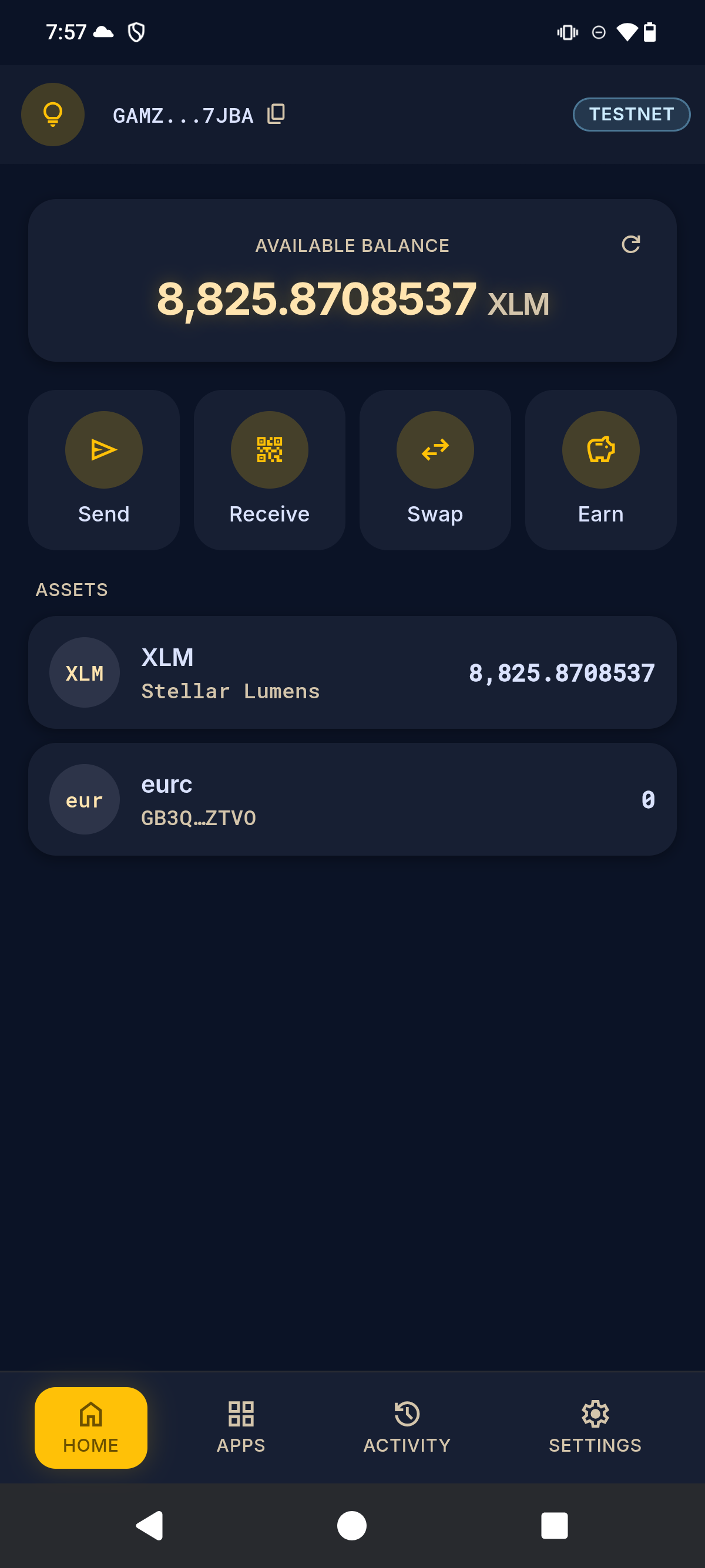
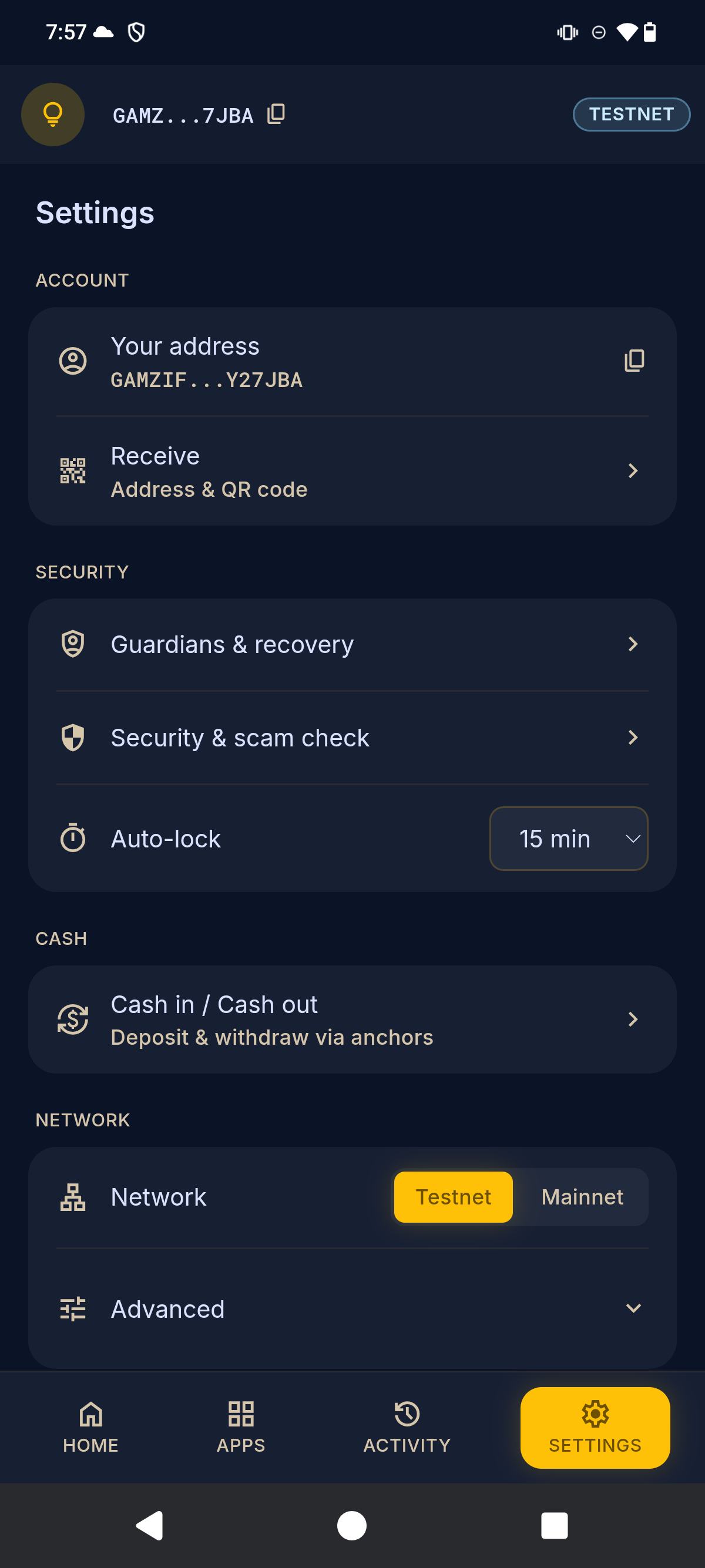
Real screens from the Lantern Android app — balances, sandboxed dApps, live yield, and guardian-grade settings.
Lantern isn't in the app stores yet. On Android, it's a one-tap APK. On Chrome or Edge, load the extension in Developer Mode — about a minute either way. Both are published on every release, with SHA-256 checksums to check your download against.
Download lantern-<version>-testnet.apk on the phone, open it, and allow installs from this source if asked. That's it — the steps below are only for the desktop extension.
Download lantern-extension-<version>.zip and unzip it to a folder you'll keep — Chrome loads it from there every time.
Go to chrome://extensions in your address bar.
Flip the Developer mode switch in the top-right corner.
Click Load unpacked and select the folder you unzipped — the one with manifest.json directly inside it.
Pin Lantern to your toolbar, click the lantern, and create or import a wallet.
As a Beta, start on Testnet and use the built-in Friendbot to fund a test account before mainnet.
Help us test Lantern on testnet: install the build, run six real-looking transactions through the review screen, and report a scammer to the registry. About 70 minutes, no real funds. Email us and we'll send you a tester number and the guide.
science Join the alphaQuestions, bug reports, or partnership ideas? We'd love to hear from you.
alternate_email hello@artisam.xyz